What a Private Endpoint Security Tool Does
June 10, 2026
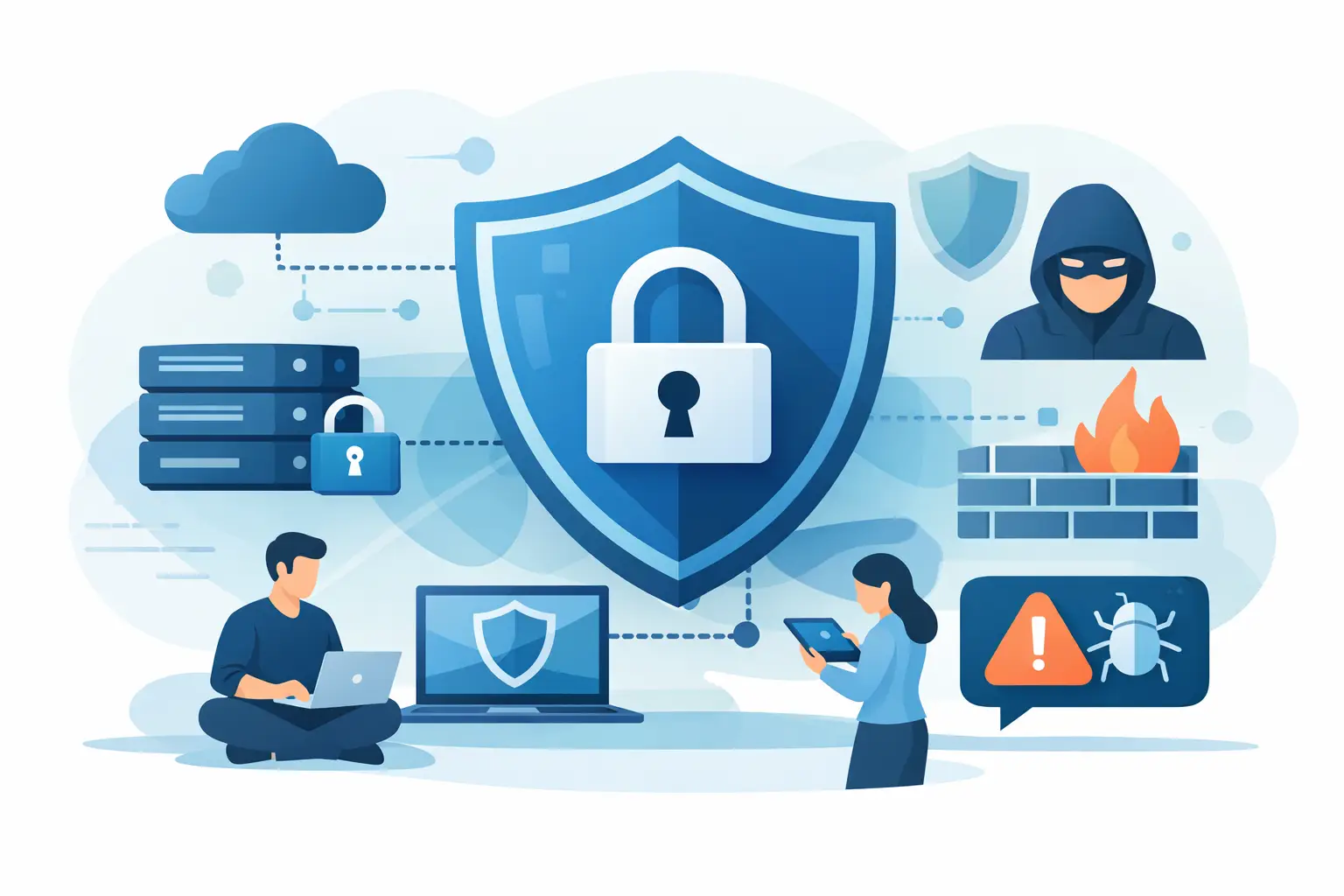
A strange login prompt. A browser extension you do not remember installing. A startup item that keeps coming back after you remove it. Most people do not need a full security operations center to investigate that kind of thing. They need a private endpoint security tool that can look directly at the machine, explain what changed, and do it without shipping their system data to someone else’s cloud.
That sounds simple, but the market often makes it harder than it needs to be. A lot of endpoint products were built for large companies with dedicated analysts, ticket queues, and compliance budgets. If you are a developer, a Mac power user, or the person keeping a few Linux servers alive, those tools can feel like trying to fix a bike with airport ground equipment. Powerful, sure. Also noisy, expensive, and built for a different job.
What a private endpoint security tool is really for
At its core, a private endpoint security tool gives you visibility into what is happening on a specific computer or server. Not broad network trends. Not glossy dashboards made for executive reporting. The useful question is much more direct: what is running here, what changed, and should I worry?
That means inspecting the system surfaces where malicious activity and unwanted persistence usually show up. On macOS, that can include launch agents, login items, browser extensions, privacy permissions, network connections, and authentication events. On Linux, it often means systemd services, cron jobs, shell profiles, listening ports, user changes, and sensitive file modifications. If a tool cannot see those areas clearly, it is guessing from a distance.
The word private matters because endpoint inspection can expose a lot about a person or company. Process names, local users, installed software, external connections, and file paths are not abstract telemetry. They are a map of how a machine is used. A private-first tool keeps that reality in view. It favors local analysis, minimizes data movement, and gives users control over what leaves the host, if anything does.
Why privacy changes the tool you should pick
Traditional endpoint security assumes centralization. Agents collect data, push it upstream, and a cloud service decides what matters. That model can work well in large environments. It also creates trade-offs that smaller teams and individual users may not want.
First, there is trust. If your security tool sees everything, you need to be comfortable with where that information goes and how long it is stored. Second, there is complexity. Cloud-managed products tend to bring policy engines, alert routing, role controls, and deployment overhead that make sense at scale but feel heavy on a personal laptop or a five-machine team. Third, there is cost. Many products are priced as if every customer has a procurement process and a security manager.
A private endpoint security tool takes a different path. It treats local host visibility as the main product, not just the data feed for a bigger platform. That can mean read-only monitoring, on-device analysis, open-source inspection, or simple deployment through Docker or a native install. The point is not ideological purity. The point is getting a plain-English answer you can trust without creating a second problem in the process.
The features that actually matter
If you are evaluating tools, the spec sheet can distract you. Bigger number counts do not always mean better protection. What matters is whether the tool sees meaningful system behavior and turns it into useful decisions.
Broad host coverage beats a single trick
A lot of products are strong in one area and thin everywhere else. Maybe they are good at malware signatures but weak on persistence. Maybe they monitor processes but miss browser extensions or privacy permission abuse. Real intrusions and shady software rarely stay in one lane. A browser extension can lead to credential theft. A launch agent can restart a payload after reboot. A suspicious outbound connection can look harmless until you connect it to a new startup item and a changed system file.
Good endpoint visibility is cross-sectional. It checks the machine from several angles, then correlates what it finds.
Explanations matter as much as detection
Raw logs are not clarity. Neither is a red badge with a vague severity score. If a tool tells you there is a suspicious item but cannot explain why, you are still stuck doing triage on your own.
The best tools translate technical findings into normal language without watering them down. They should tell you what the item is, why it was flagged, how confident the tool is, and what action makes sense next. That may be as simple as ignore, monitor, disable, or investigate further. For people who are not security specialists, that translation is the difference between useful visibility and ambient anxiety.
Threat intelligence helps, but context comes first
Threat-intelligence enrichment can make a finding far more meaningful. A known malicious IP, a bad file hash, or a commonly abused persistence path adds needed context. But enrichment only works if the tool first captures the local event in a useful way.
This is where many products overpromise. They mention huge intel feeds, but the local telemetry is thin, or the analysis is too generic to be actionable. You want both. Local host context tells you what happened on your machine. Threat intelligence tells you whether that behavior matches known patterns. Together, they are much more useful than either one alone.
What a private endpoint security tool should not do
It should not feel like spyware in a security costume. If the product demands broad data export, constant cloud dependence, or permissions that are hard to justify, that is a real concern, not a philosophical debate.
It also should not bury the operator in enterprise workflows they did not ask for. A solo developer checking a MacBook for persistence mechanisms does not need the same interface as a 24-hour SOC. More controls are not always more value. Sometimes they are just more places to get lost.
And it should not force a false choice between depth and usability. The strongest products do both. They inspect deeply enough to catch meaningful changes, then present the result in a way a human can act on quickly.
How this plays out on macOS and Linux
macOS and Linux have different attack surfaces, so a useful tool needs platform-aware inspection rather than generic endpoint branding.
On macOS, persistence often hides in launch agents, login items, profiles, extensions, and permission prompts that users clicked through weeks ago. The system can look clean at a glance while still granting broad access to a process you barely recognize. A good tool checks those layers and calls out unusual combinations, like a newly installed item with network activity and sensitive permissions.
On Linux, the challenge is often less about deceptive user prompts and more about quiet persistence. Cron jobs, shell startup files, modified services, SSH changes, and suspicious listening ports can sit unnoticed on systems that otherwise seem healthy. A private endpoint security tool should help you inspect those areas without requiring a SIEM, a fleet manager, and a week of setup.
This is exactly why lightweight, local-first tools have become more appealing. Products like avai are aimed at people who want a tiny security guard for their computer or server - one that checks the host directly, explains findings in plain English, and does not assume you want to outsource machine visibility just to understand your own system.
How to evaluate one without getting distracted
Start with your actual environment. If you mainly care about your own MacBook, prioritize visibility into startup items, browser extensions, privacy permissions, and outbound connections. If you manage Linux boxes, look for service inspection, auth events, file integrity signals, and process-to-network context.
Then test the explanation layer. Install something benign but unusual, create a scheduled task, or add a browser extension. See whether the tool notices. More importantly, see whether the write-up helps you decide what to do. If the answer reads like machine-generated fog or analyst shorthand, it will not help much when the event is real.
Finally, look at the privacy model with the same seriousness you give the detection model. Ask where analysis runs, what leaves the machine, whether the product is readable or auditable, and how much operational overhead it adds. Security software should reduce uncertainty, not relocate it.
The right tool will not promise that nothing bad can happen. It will give you clear sightlines into your own systems, enough context to spot what is off, and the confidence to act before a small oddity turns into a real mess.